Skip to product information
1 of 2

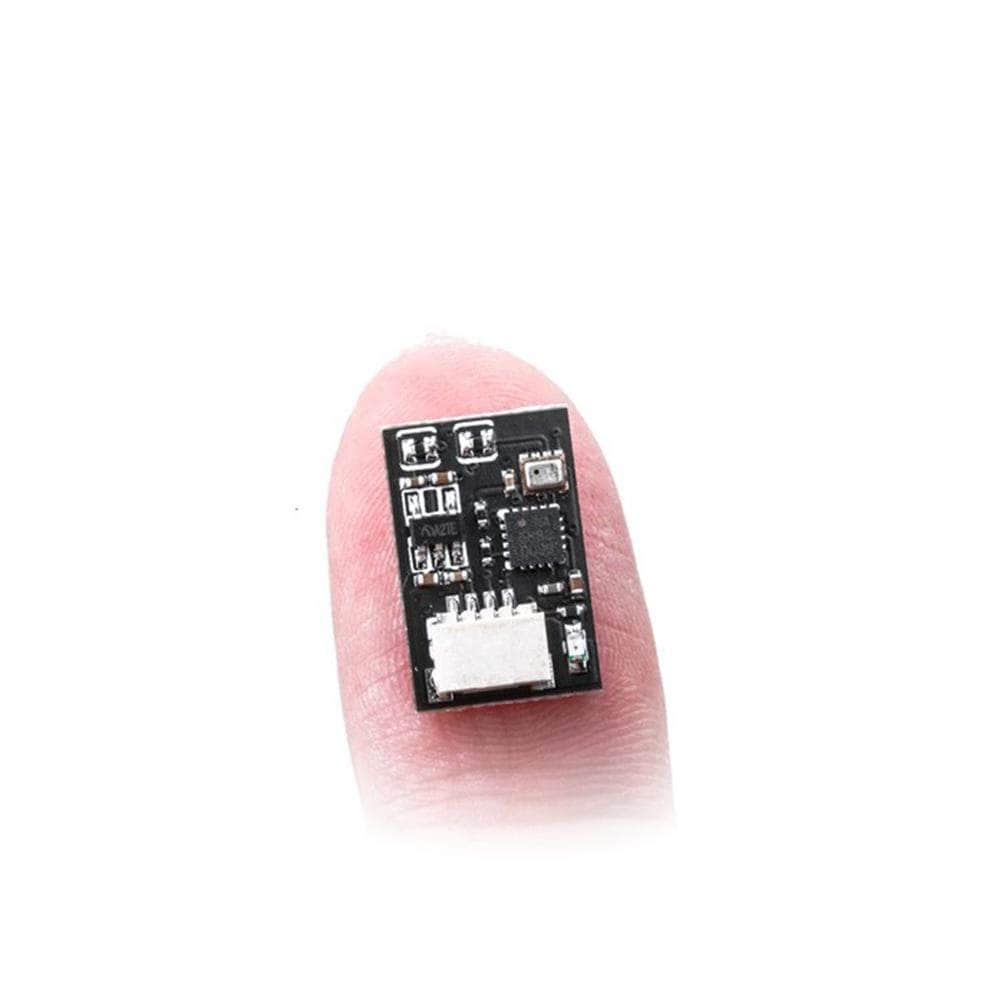
Flywoo BQNANO V1.0 Compass and Barometer

Flywoo BQNANO V1.0 Compass and Barometer

Regular price $11.99
Sale price $11.99 Regular price
In stock
In stock
Add To Wishlist
View full details

Details

Description

Tiny module with compass and barometer from Flywoo!

If your FC board has a barometer, you need to disconnect the Baro SDA / SCL pad.

Check out all our Flywoo products!

Specifications

  • Baro: BMP280
  • Compass QMC5883L
  • Power supply: 3.3V-5V
  • Communication: I2C protocol
  • Pin: SH1.0-4
  • Module size: 11x15.5mm
  • Weight: 0.6g

Includes

  • 1x Flywoo BQNANO V1.0 Compass and Barometer

More Info

  • SKU: 16163
  • Barcode: 691023527041
 

Overall rating: 4.5384617 / 5 from 13 reviews.

AI Generated Review Summary

Summary topics

Review topics: ["works"].

Review highlights

Reviews

Flywoo BQNANO V1 COMPASS, BAROMETER

"The control board seems to work fine. Giving three stars as there's apparently no literature giving XYZ orientation. With some CLI changes it seems to work pretty well."

MARK L. (3/5)

Lightweight Works Great

"I needed to put a Baro on my T-Motor F722 HD, as it does not come with the BMP-280, unless you buy in bulk, and I can't do that. This hooks up to the FC and weighs almost nothing. Baro +/- 0.2 feet (and I have not yet isolated the signal & GND. I have not yet tested the magnetometer."

DARRICK S. (5/5)

Really awesome for Inav.

"Decent amount of aio and small stacks have sda and scl pads but don't have a baro which makes them a bit useless for Inav. This has baro and compass add gps and you have a tiny inav quad that will do missions or pos hold. About time someone made this"

Anthony s. (5/5)

Works flawlessly!

"Works flawlessly!"

Gerel M. (5/5)

Good product

"Works well"

Matthew A. (5/5)

Works a treat! No useful instructions though…

"I got the baro/compass features working perfectly on my flywoo explorer lr4 (analog w/ v2 goku stack) after much tinkering and no real help from customer support, they just asked if I wired I up right, which I had. I just needed to the magnetometer to the “other options” section when flashing bf 4.4.2 as well as issue a couple of cli commands to setup the magnetometer. Here is what worked for me in case anybody is having trouble setting theirs up: set mag_bustype = i2c set mag_i2c_device = 1 set mag_i2c_address = 0 set mag_hardware = qmc588"

Adam V. (5/5)

doa

"doa"

donald a. (1/5)

Baro

"This is awesome as I new to the hobby and was thinking I had to buy a new FC to get a baro sensor…I didn’t know you could simple add on."

Anthony M. (5/5)

Awesome

"Awesome sauce"

Travis H. (5/5)

Need one for my f411

"Need one for my f411"

Haowen L. (5/5)

Q&A