Skip to product information
1 of 4

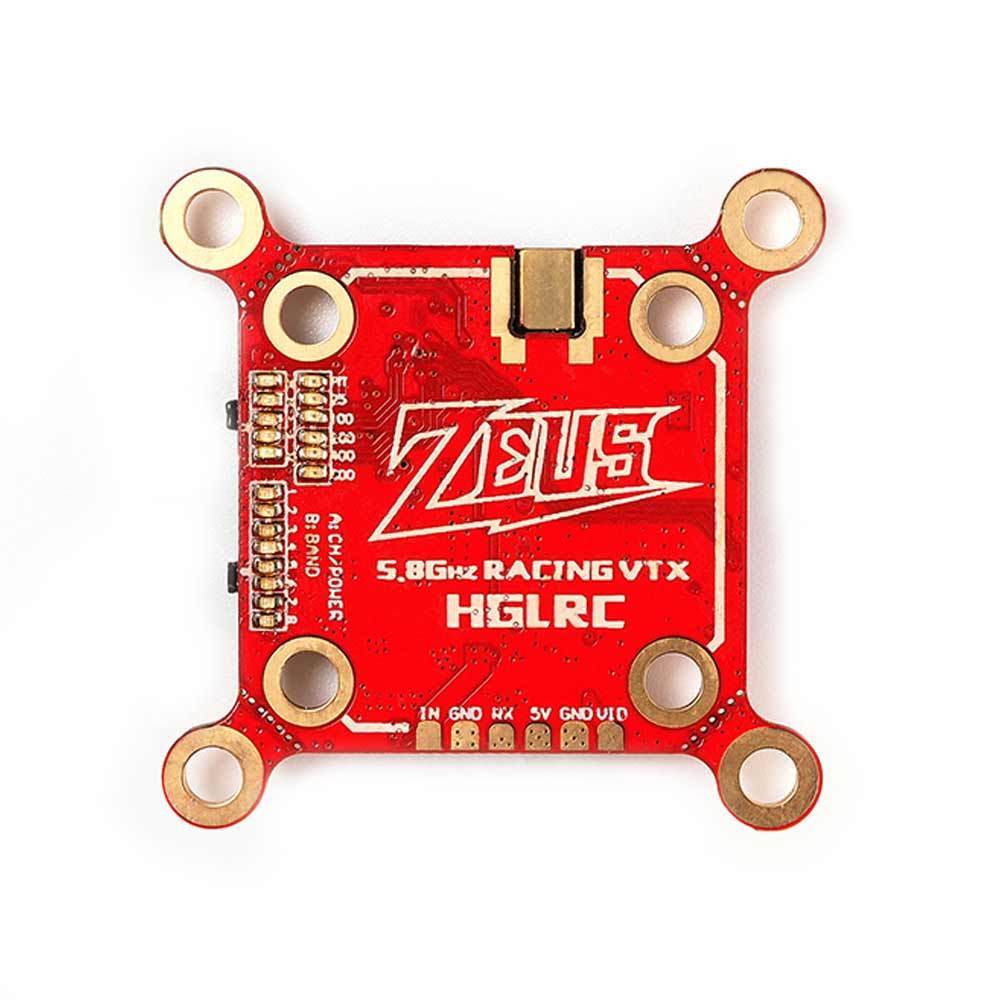
HGLRC Zeus 20x20/30x30 25-800mW 5.8GHz VTX - MMCX

HGLRC Zeus 20x20/30x30 25-800mW 5.8GHz VTX - MMCX

Regular price $41.99
Sale price $41.99 Regular price
Add To Wishlist
View full details

Details

Description

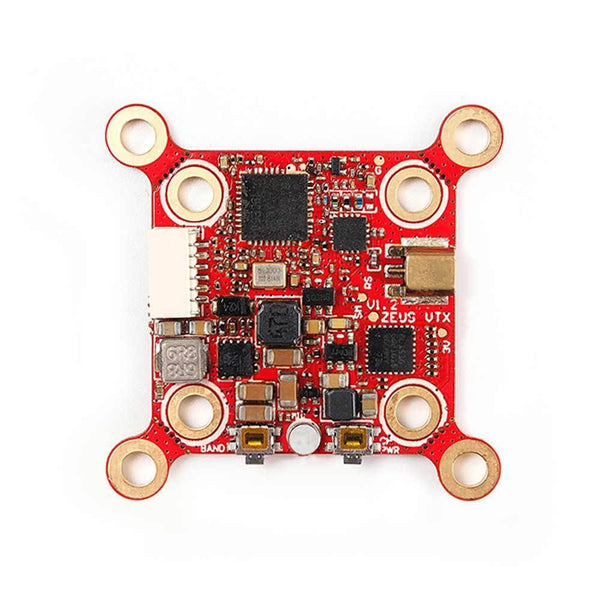
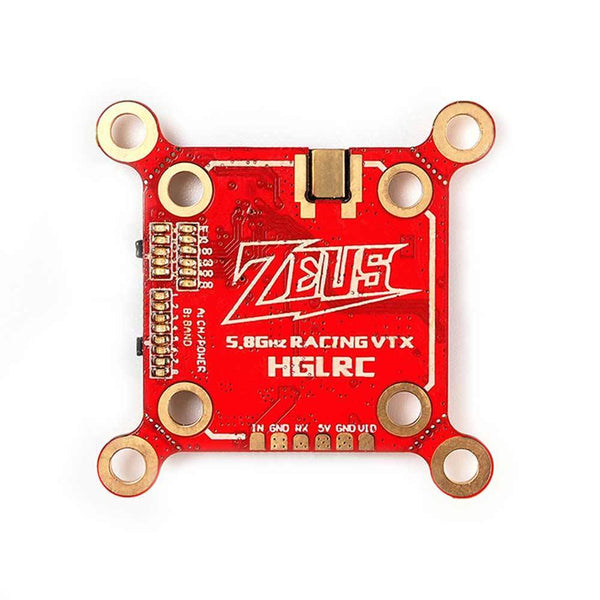
Smart mounting VTX, fits both 20x20 and 30x30 mounting patterns.

Checkout our VTX section and our full collection of HGLRC products!

Specifications

  • Built-in Microphone
  • Input voltage: DC 6-26V
  • Output voltage:5V/2A
  • PIT@94mA
    • 25mW@169mA/14dBm
    • 100mW@199mA/20dBm
    • 200mW@216mA/23dBm
    • 400mW@279mA/26dBm
    • 800mW@387mA/29dBm
  • Antenna interface: MMCX
  • Output power: PIT/25/100/200/400/800mW
  • Frequency: 5.8GHz 5 bands, 40 channels
  • Installing Hole: 20X20/30X30mm.M3
  • Size: 37mm x 37mm x 5mm
  • Weight: 4.8g

Includes

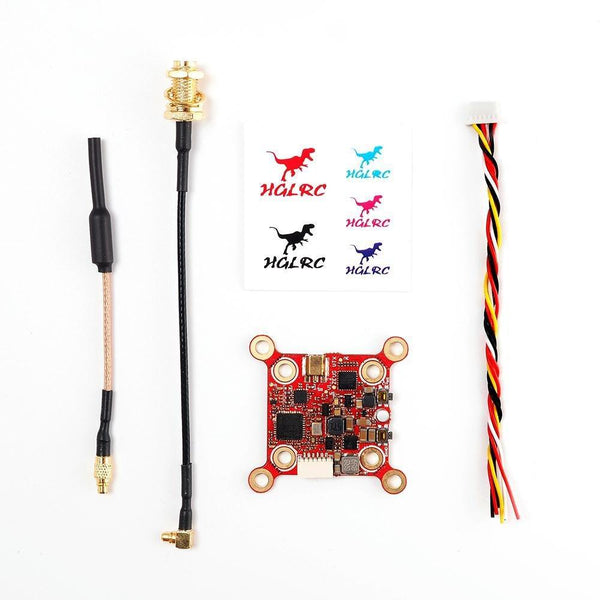
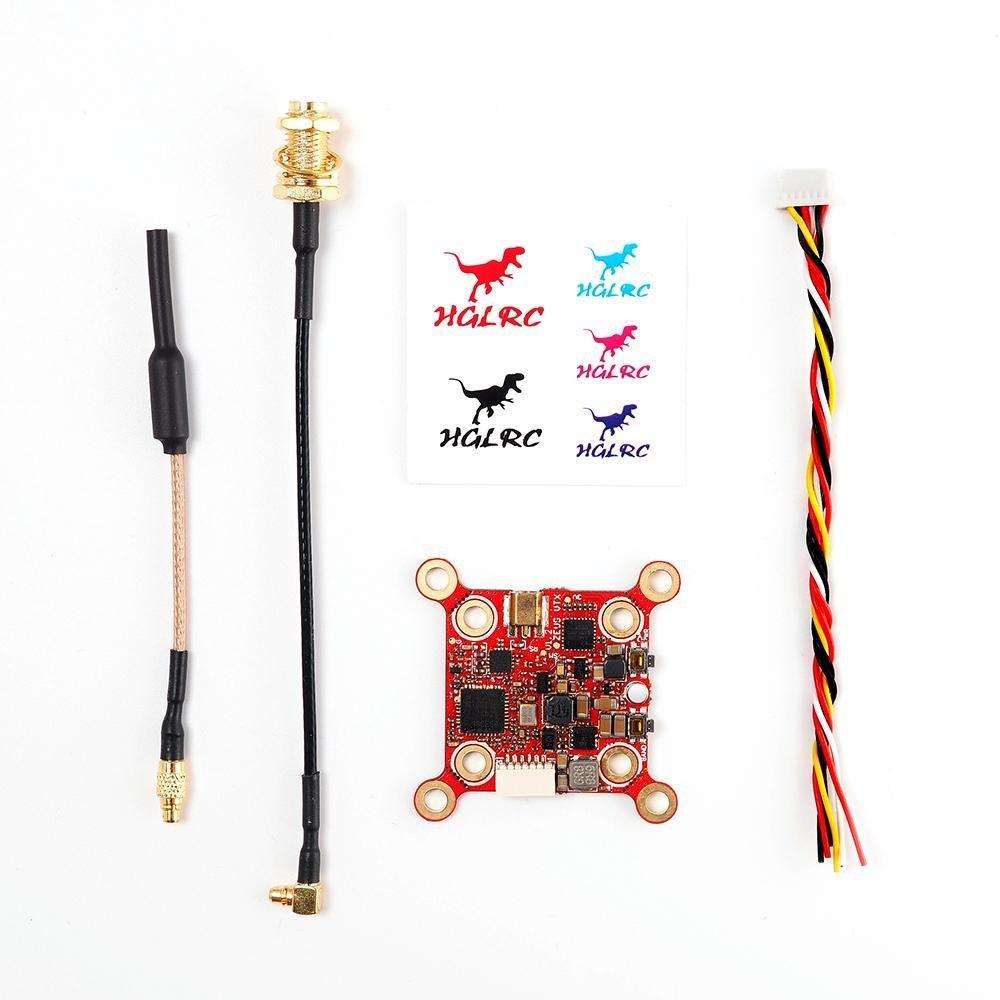
  • 1x HGLRC Zeus 20x20/30x30 25-800mW 5.8GHz VTX With MMCX to SMA Adapter

Wiring Diagram

More Info

  • SKU: 14877
  • Barcode: 691023517905
 

Overall rating: 4.857143 / 5 from 14 reviews.

AI Generated Review Summary

Summary topics

Review topics: ["vtx"].

Review highlights

Reviews

Best VTX

"One of the best VTX, super stable and good range. HGLRC the best ever"

Mike R. (5/5)

Life changing VTX

"Life changing VTX"

Lewis L. (5/5)

Light and works well in

"Light and works well in my 3.5 build."

JODY T. (5/5)

Great product

"Great product"

hector m. (5/5)

Great range. Good penetration on

"Great range. Good penetration on 800 mw"

Charles S. (5/5)

Amazing VTX

"So far super reliable and even at 100mW can go pretty far, waiting for spring to come around to fly some more"

Lincoln N. (5/5)

High quality

"Nice mounting options. Good power for bando"

Maciej P. (5/5)

Great VTX!!

"Works perfect and easy to set up in betaflight. Love the dual mounting option and the antenna mount very sturdy. Recommended."

Nathan F. (5/5)

Nice

"Hardcore VTX I have 3"

Chris N. (5/5)

Great vtx…I have two of

"Great vtx…I have two of them and plan on using more in future builds"

Christopher E. (5/5)

Q&A

How do you unlock the VTX? Do you press and hold the Band button or Frequency/Channel button for like 7 seconds when you power up? Please let me know.
If you mean it is locked at a frequency, then you have 2 ways, one is through betaflight vtx custom table, the other should just be a simple press of one of the buttons at a time. I hope this helps goodluck.
Does this have Smart Audio or IRC Tramp?
This video transmitter uses IRC Tramp.