


Game Changer
"Has to be the easiest way to flash fw to your elrs rx."
When upgrading ELRS receivers, there are two options: Wi-Fi and Serial Port. While Wi-Fi upgrading is user-friendly and does not require additional accessories, it can be susceptible to failures caused by unstable networks.
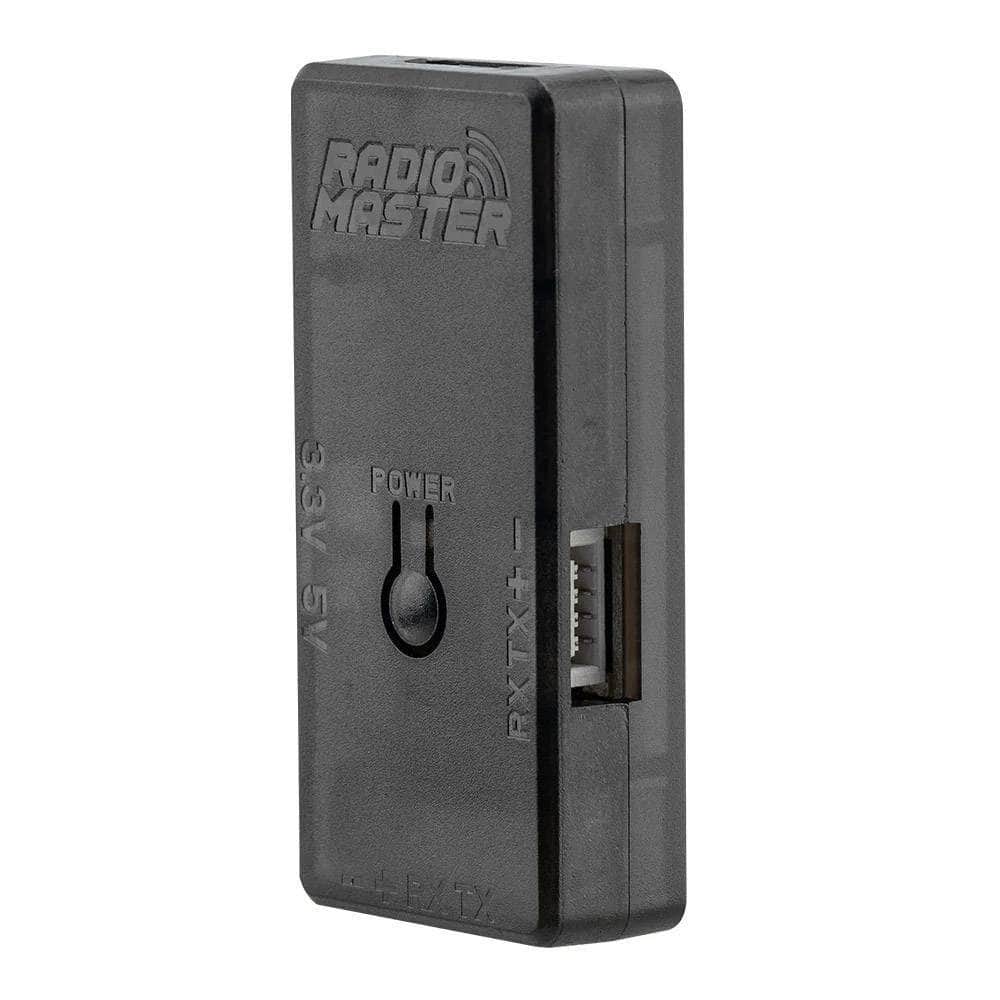
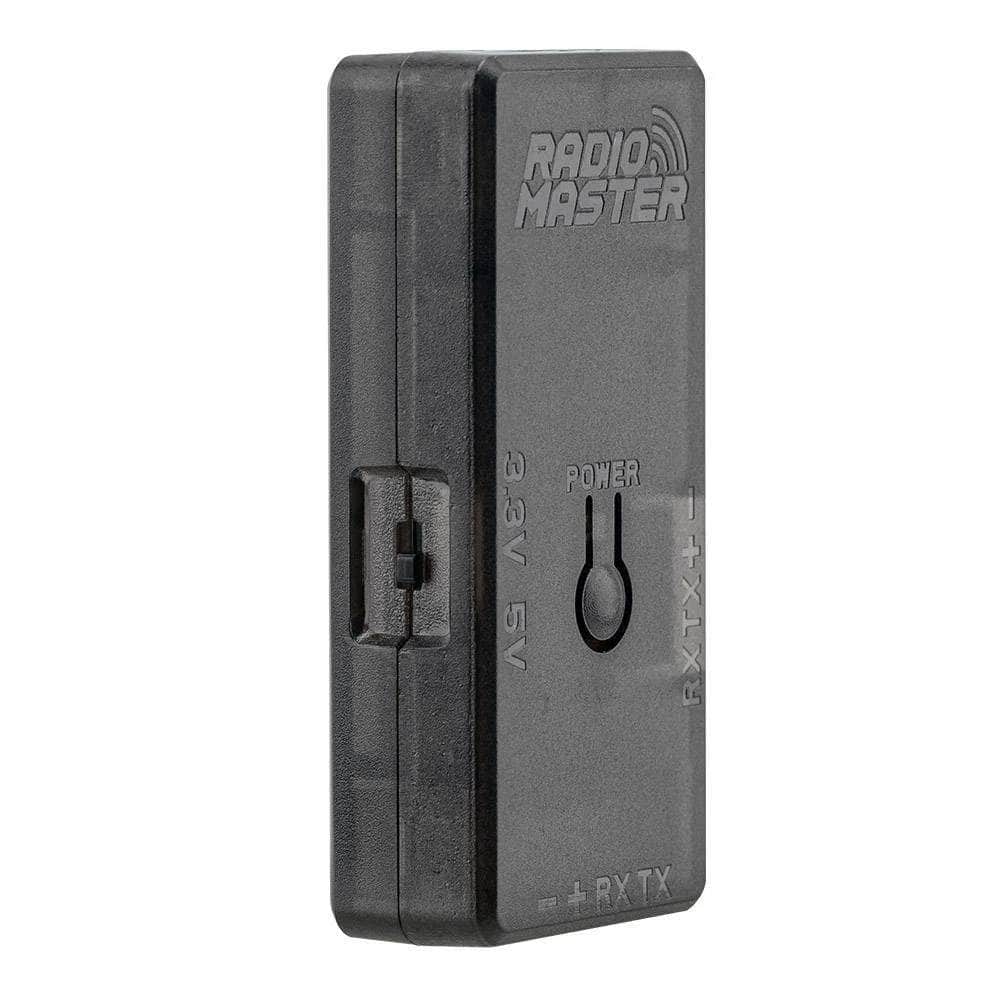
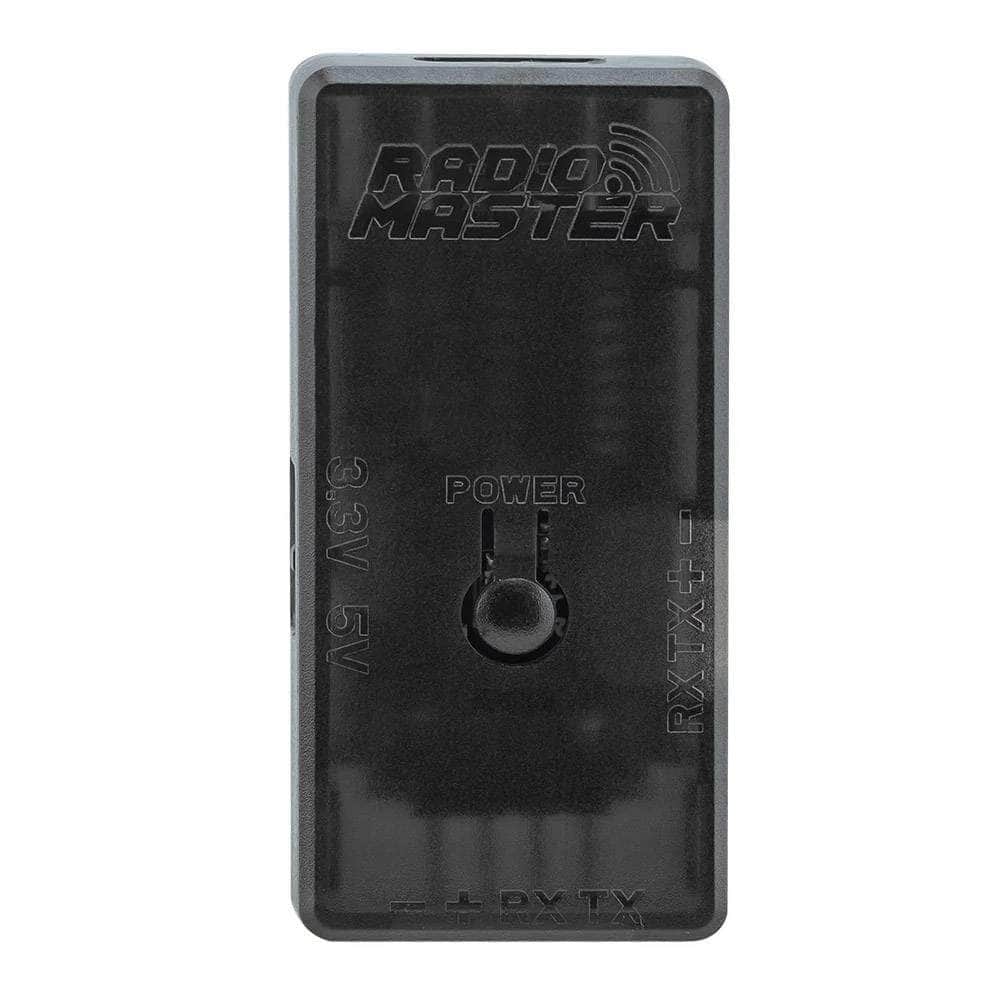
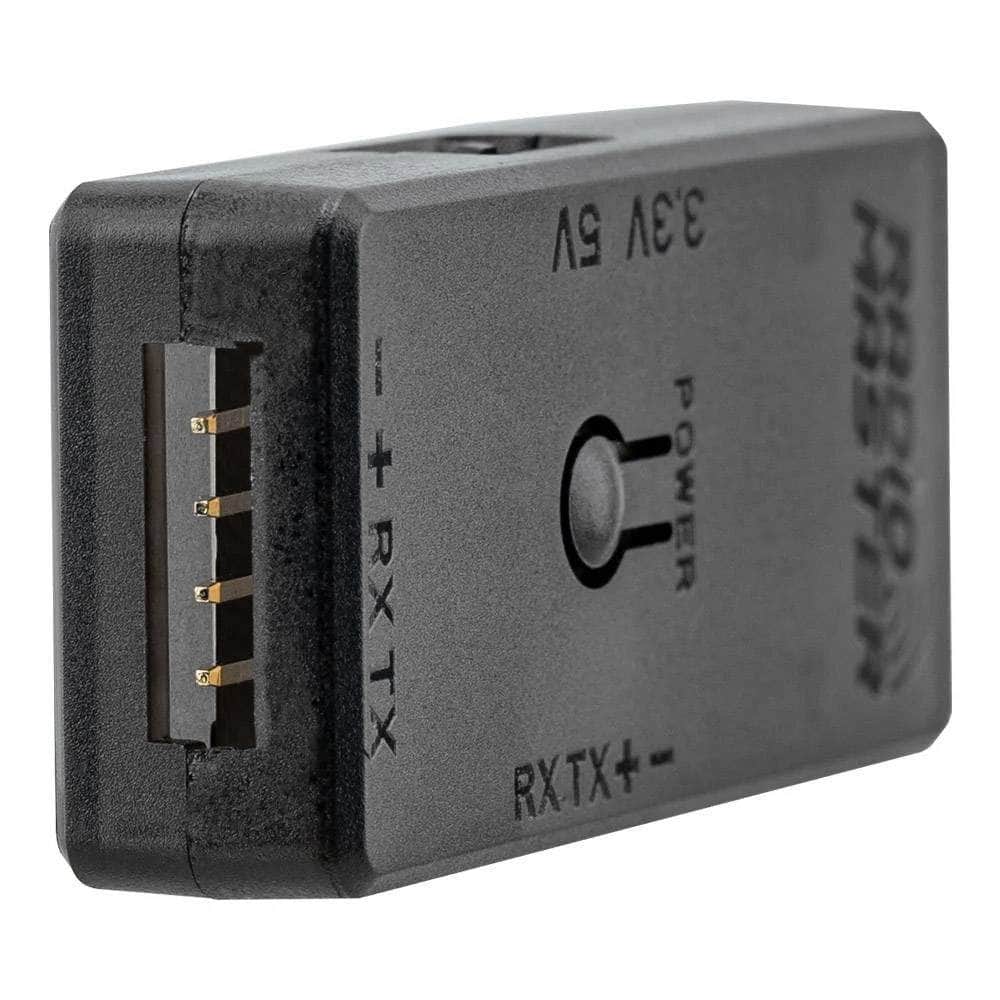
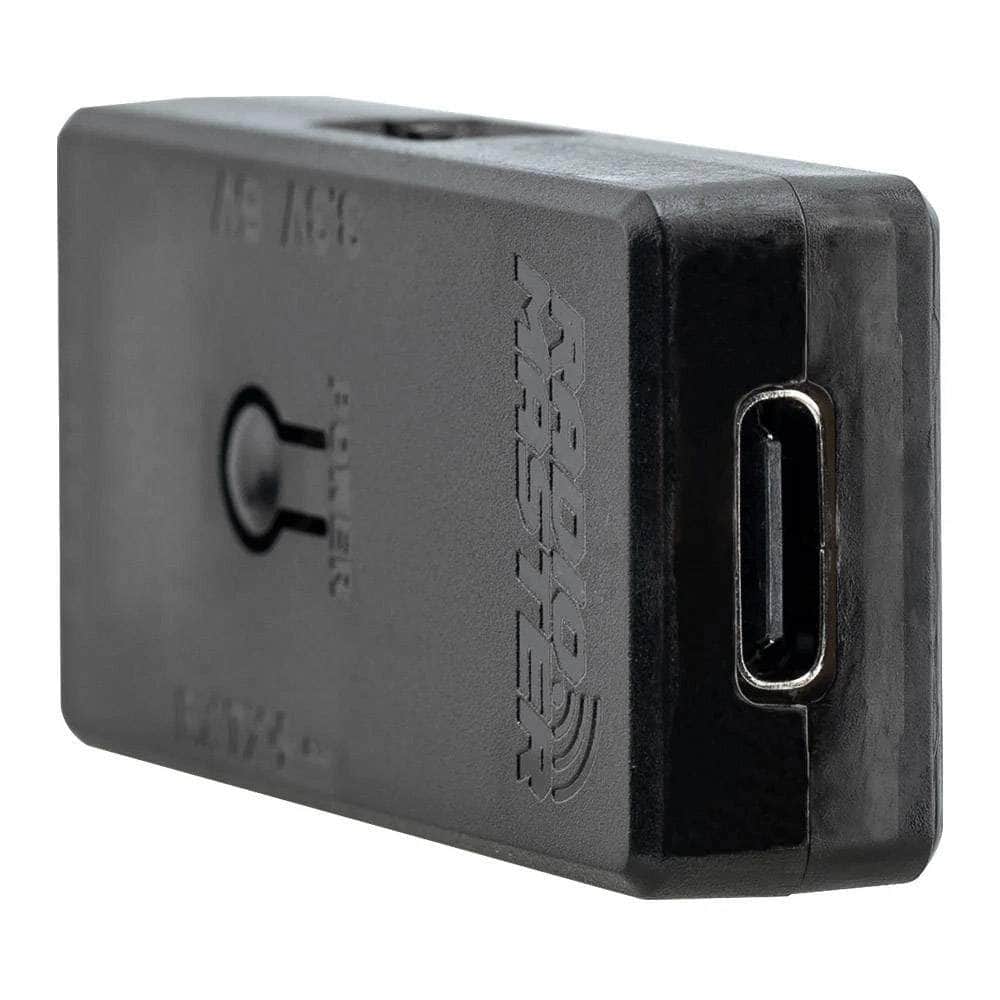
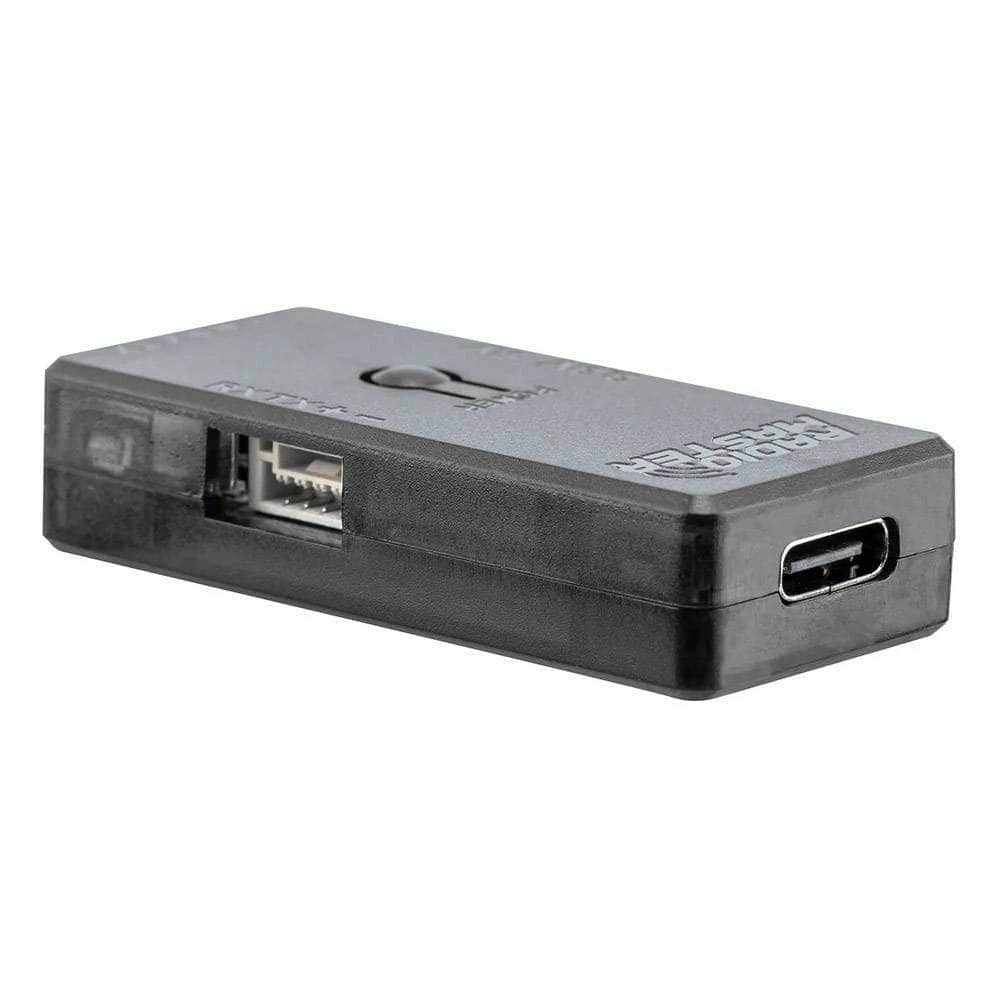
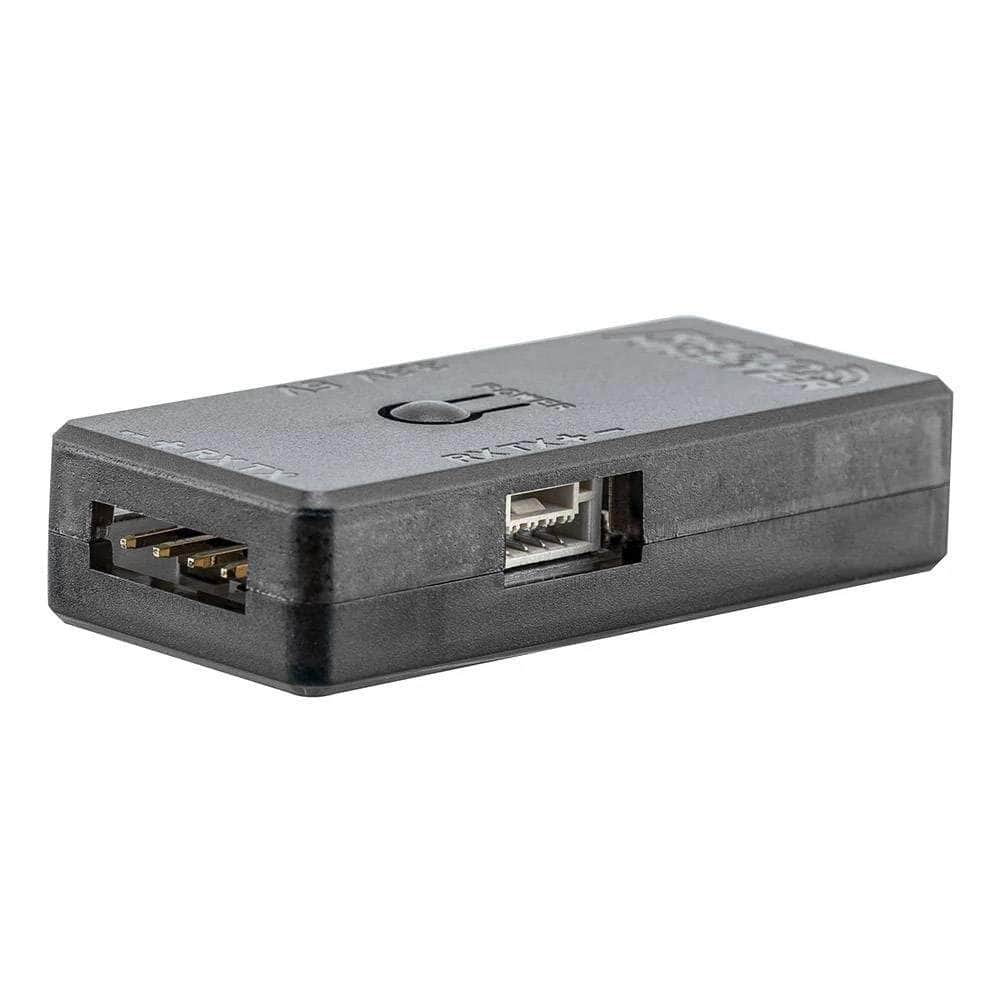
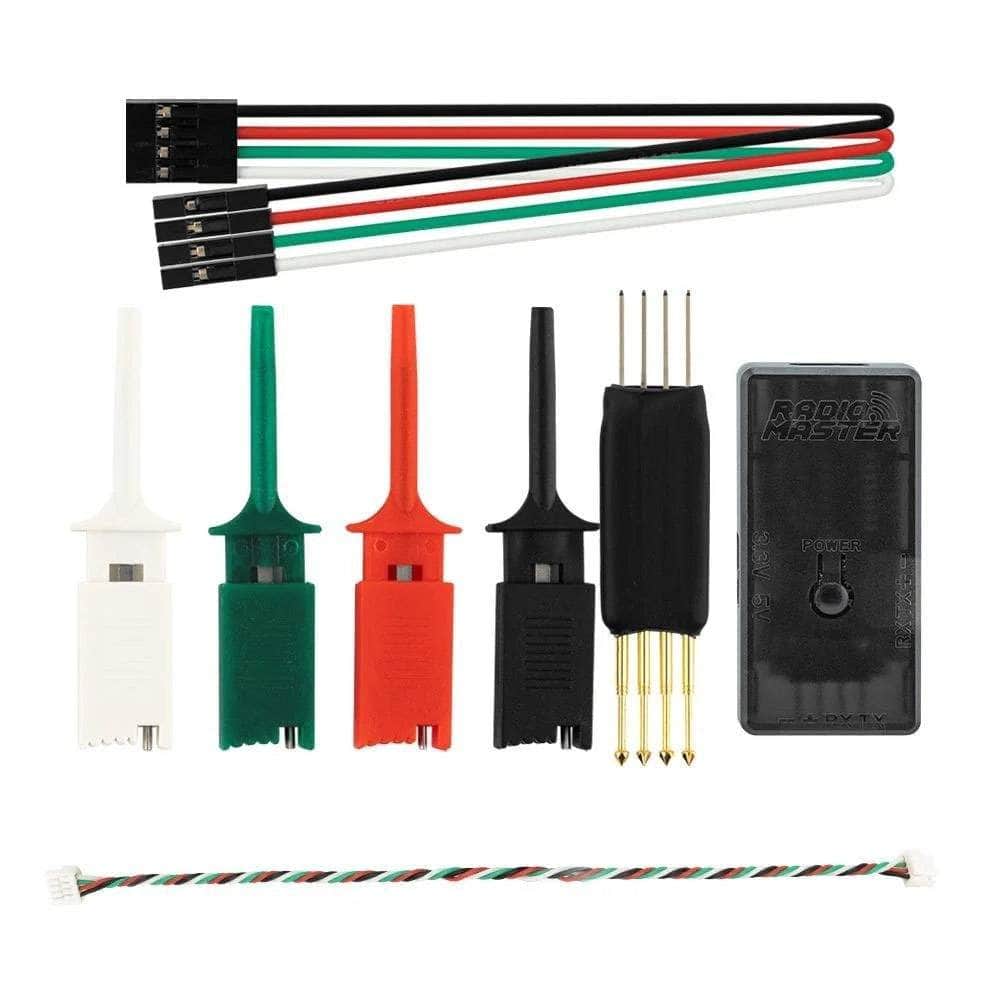
For a more reliable and professional upgrade experience, RadioMaster ExpressLRS USB UART Firmware Flashing Dongle V2 is the solution. This dongle is designed specifically for ELRS receiver serial port upgrades, providing a dependable solution for flashing or recovering receivers.

1. Connect the Serial Port Cable with the receiver
2. Connect to the computer with a USB extension cable, press the receiver's BOOT button, then press the POWER button on the serial tool
3. Follow the ELRS upgrade tool's instructions to complete the upgrade
IMPORTANT NOTES: The above receivers can be connected to the receiver's CRSF port by using a 4-wire CRSF cable